
For a personal surprise
Leave a private message, photo, audio or video at a place that means something to both of you.
Create a surpriseThe complete MeForYou guide
Choose a scenario, create a private experience and give someone its link or QR. Below are the core features and real product screens.
Four clear steps
A quick surprise, a guided journey or a remembrance.
Add the person, place, message, media and opening conditions.
Preview the result first, then send the private link or QR.
No account needed: they arrive, allow a location check and see your moment.
Start with the situation
MeForYou is not one template. Pick the format that matches the real story.
Leave a private message, photo, audio or video at a place that means something to both of you.
Create a surprise
Build a journey with 1–4 steps. Each step can continue with Next or unlock at its own real place.
Create a journey
Keep a calm, private remembrance at a meaningful place, with language designed for memory rather than surprise.
Explore remembranceFeatures on real screens
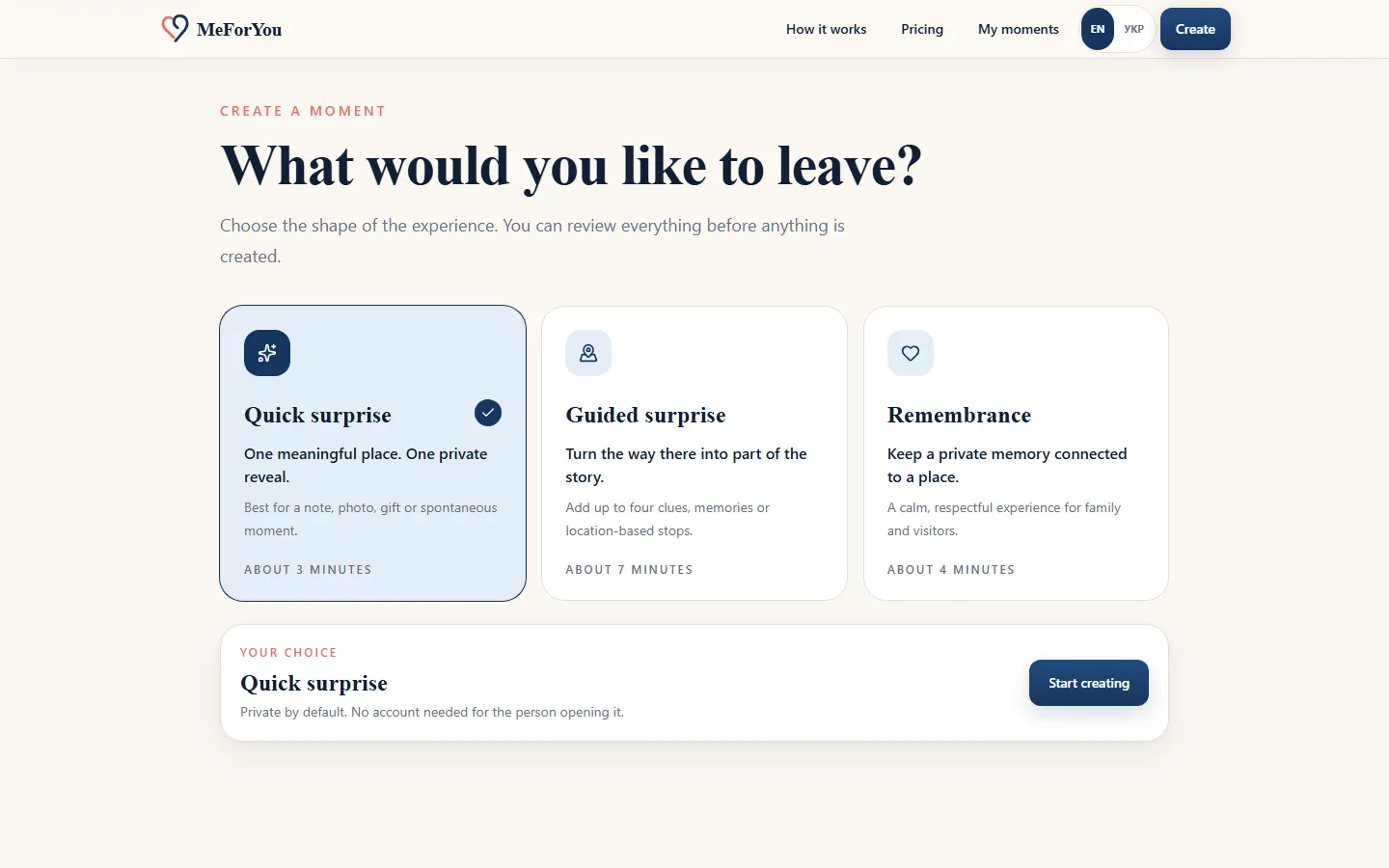
Start with intent
A Quick surprise is made for one place and message. A Guided surprise leads someone through several steps. Remembrance uses calm language designed for remembering a person.
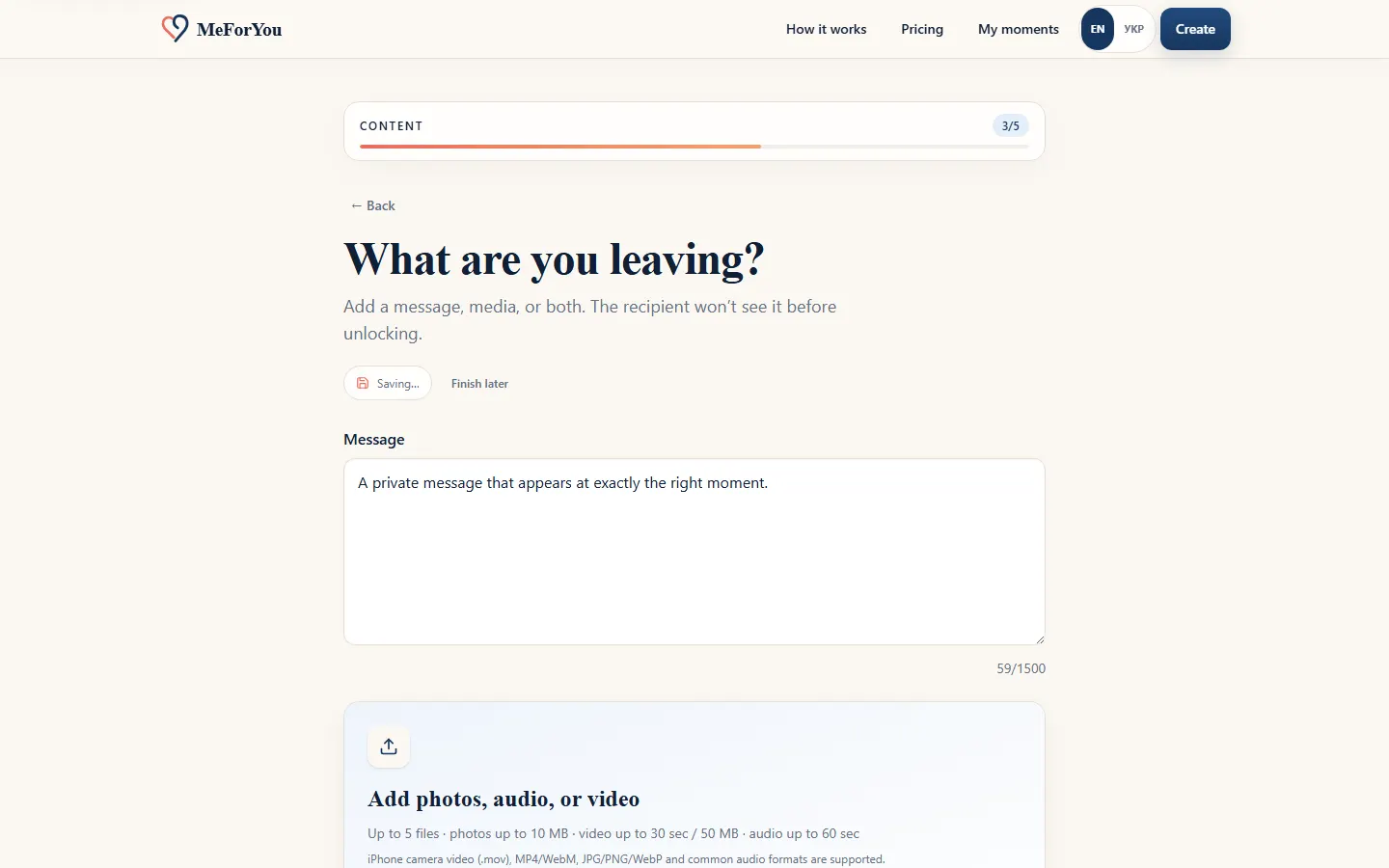
Place and content
Pin a safe, accessible place, choose the radius, and add a message plus one photo, audio or video. For moments without a place, allow the recipient to open anywhere.
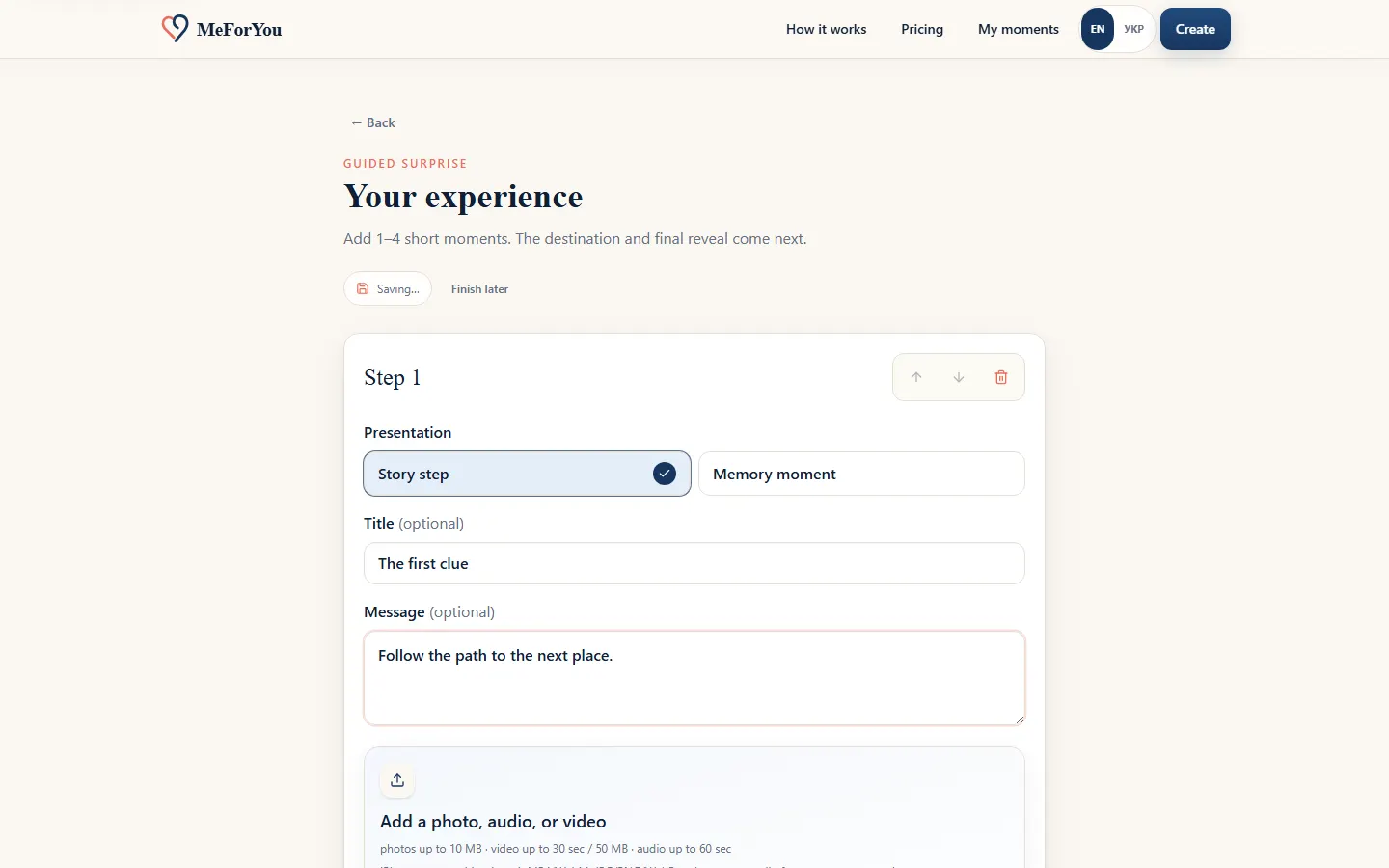
Guided journey
A Guided step can continue with Next or unlock at a specific location. A castle, a riverside and the final destination can remain distinct parts of one journey.
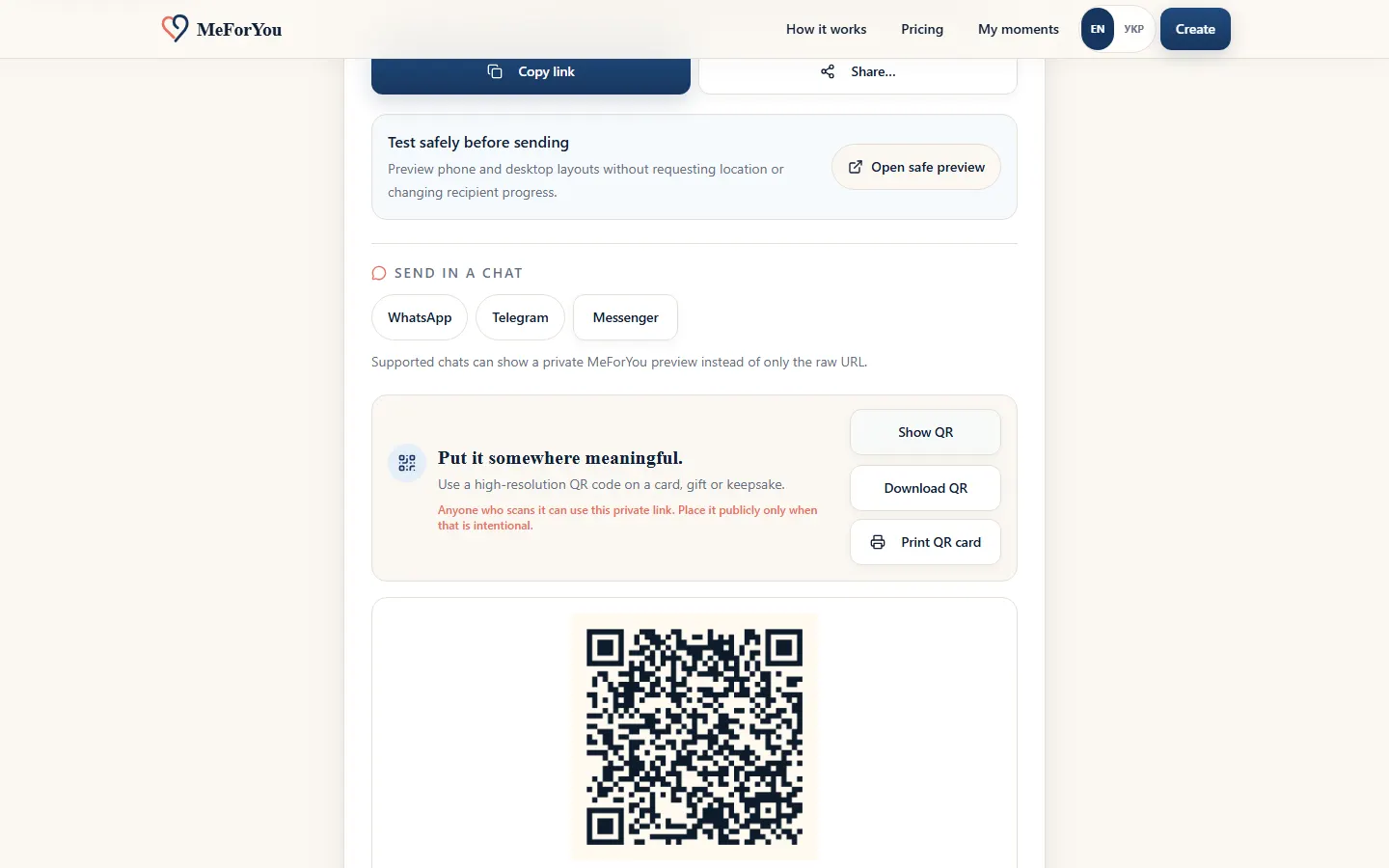
Management
My moments separates payment required, active, opened, recovery and archived records. Edit the moment, use safe preview, download its QR and manage access from one place.
The check starts only after they press the button. Never ask someone to enter unsafe or restricted places.
The recipient needs no account. The link is the key to the moment, so share it only with the intended person.
Your first moment can be created for free. Build and review it first; choose the access term later.